A response with a feel.
Attack, release delay, fast and slow release, averaging and knee. Shape how each band catches a consonant and lets the sound breathe again.
Two bands. One clear voice.
Precision de-essing for vocals, cymbals and bright mixes.
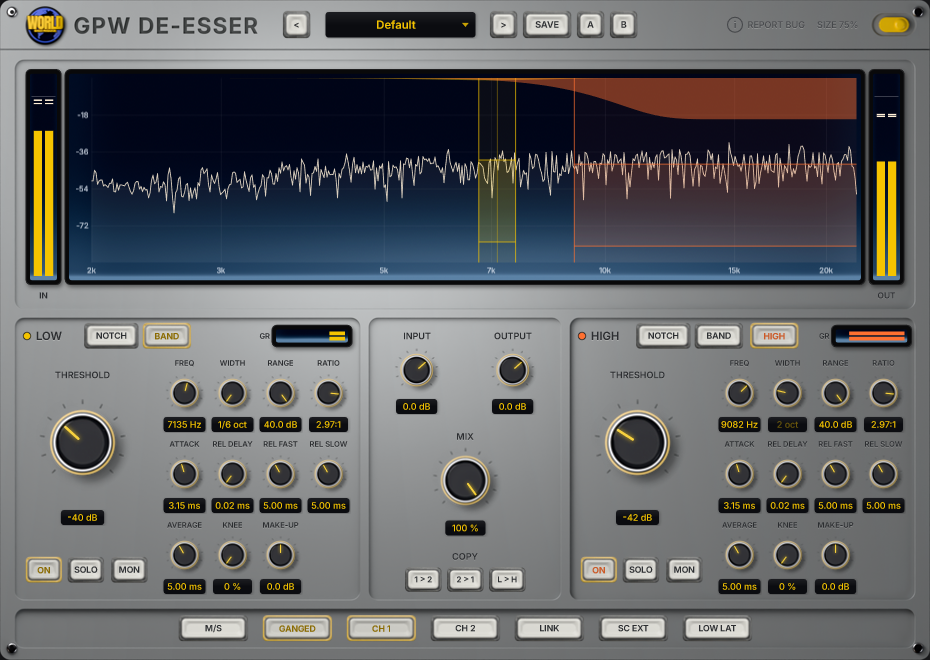
A vocal needs its consonants. A cymbal needs its shimmer. GPW De-Esser gives you two independent bands to control the sharp moments, with the range and timing to decide how much of the original character comes through.
Choose the part of the sound that needs attention. Then decide how firmly, and how quickly, it should respond.
A focused band for the consonants and resonances that jump out of a performance. Tune the frequency, choose Notch or Band Pass, and set a limit on how far the processing can go.
Handle another sharp region with its own dynamics, or use High Pass to work across the upper frequencies. Keep bright vocals and cymbals under control with a response shaped independently from the first band.
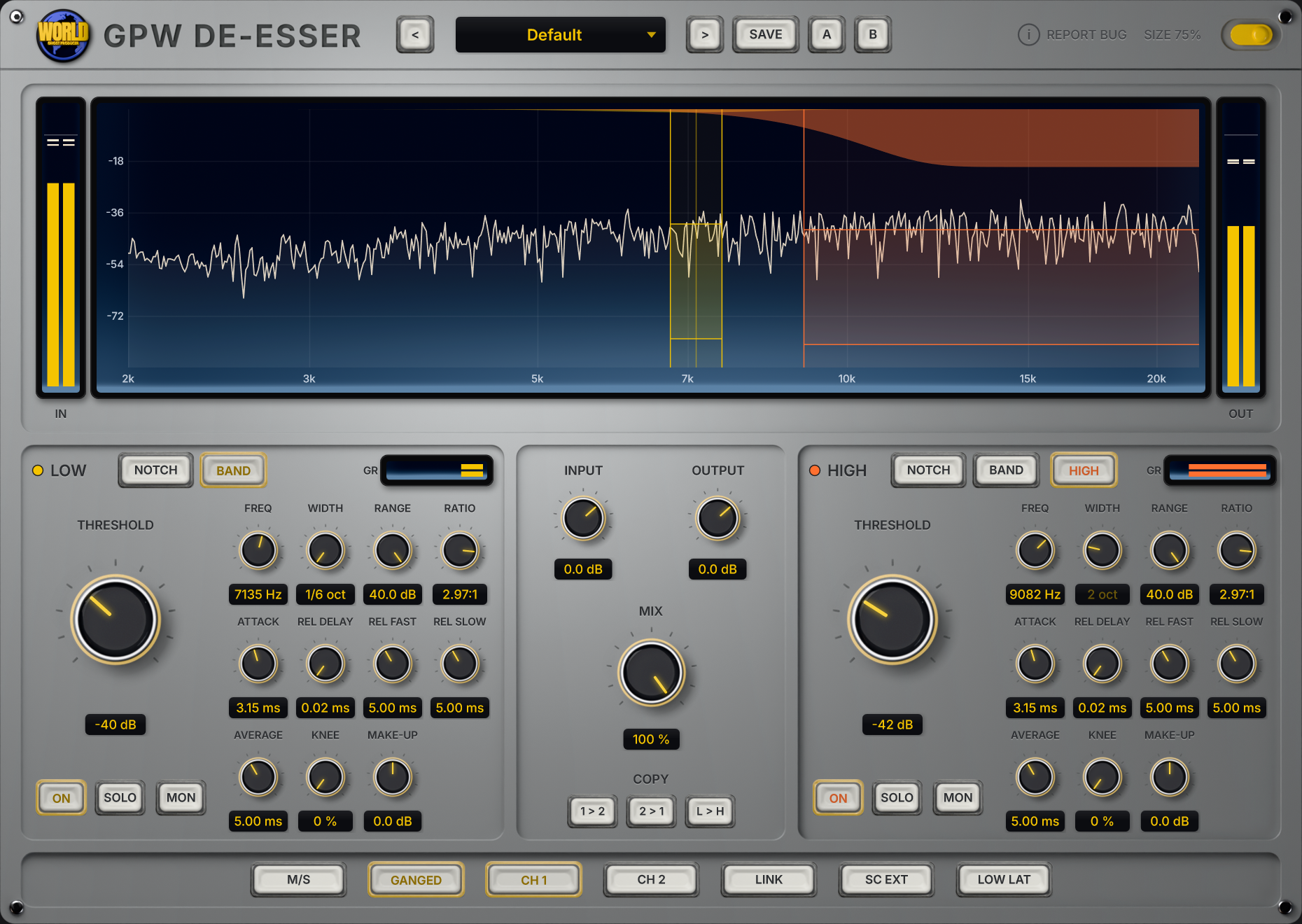
Attack, release delay, fast and slow release, averaging and knee. Shape how each band catches a consonant and lets the sound breathe again.
Work in stereo or mid/side. Gang the controls for matching edits, or adjust each channel separately. Link the detectors when the channels should react together.
Solo a band to find the problem. Monitor what is being removed. Blend the result with parallel MIX, and compare two settings with A/B.
GPW De-Esser controls sibilance and harsh high frequencies with two independent dynamic bands. Use it on sharp vocal consonants, bright cymbals or the upper end of a mix. Each band has its own frequency, threshold, range, ratio and timing controls.
The LOW band offers Notch and Band Pass filters. The HIGH band adds High Pass for broader control above a chosen frequency. Both bands tune from 2 kHz to 20 kHz: LOW and HIGH identify the two processing stages, rather than fixed crossover regions.
Yes. Enable M/S to work on the mid and side signals. Turn off GANGED to adjust the two channels independently, and use CH1 or CH2 to select the controls you are editing. LINK couples the sidechain detection when you want the channels to react together.
SOLO lets you hear the signal selected by a band. MON lets you hear the difference that processing removes from that band. Use either to check your target before returning to the full mix.
The normal mode uses linear-phase filters and adds latency, which the plugin reports to your DAW for compensation. LOW LAT switches to a lower-latency filter path. Use the mode that fits your recording or mixing session.
GPW De-Esser is a VST3 plugin for Windows. It supports stereo processing, an external stereo sidechain, factory and user presets, and A/B comparison. It is coming soon; release details and pricing will be announced at launch.
Be the first to know when GPW De-Esser is ready.
Release details and pricing announced at launch.